Chrome · Edge · Firefox

Screenshot
anything
on the web.

Capture, annotate, and export high-quality screenshots of any webpage - visible area, full page, or custom selection.

Visible Area
Full Page
Select Area
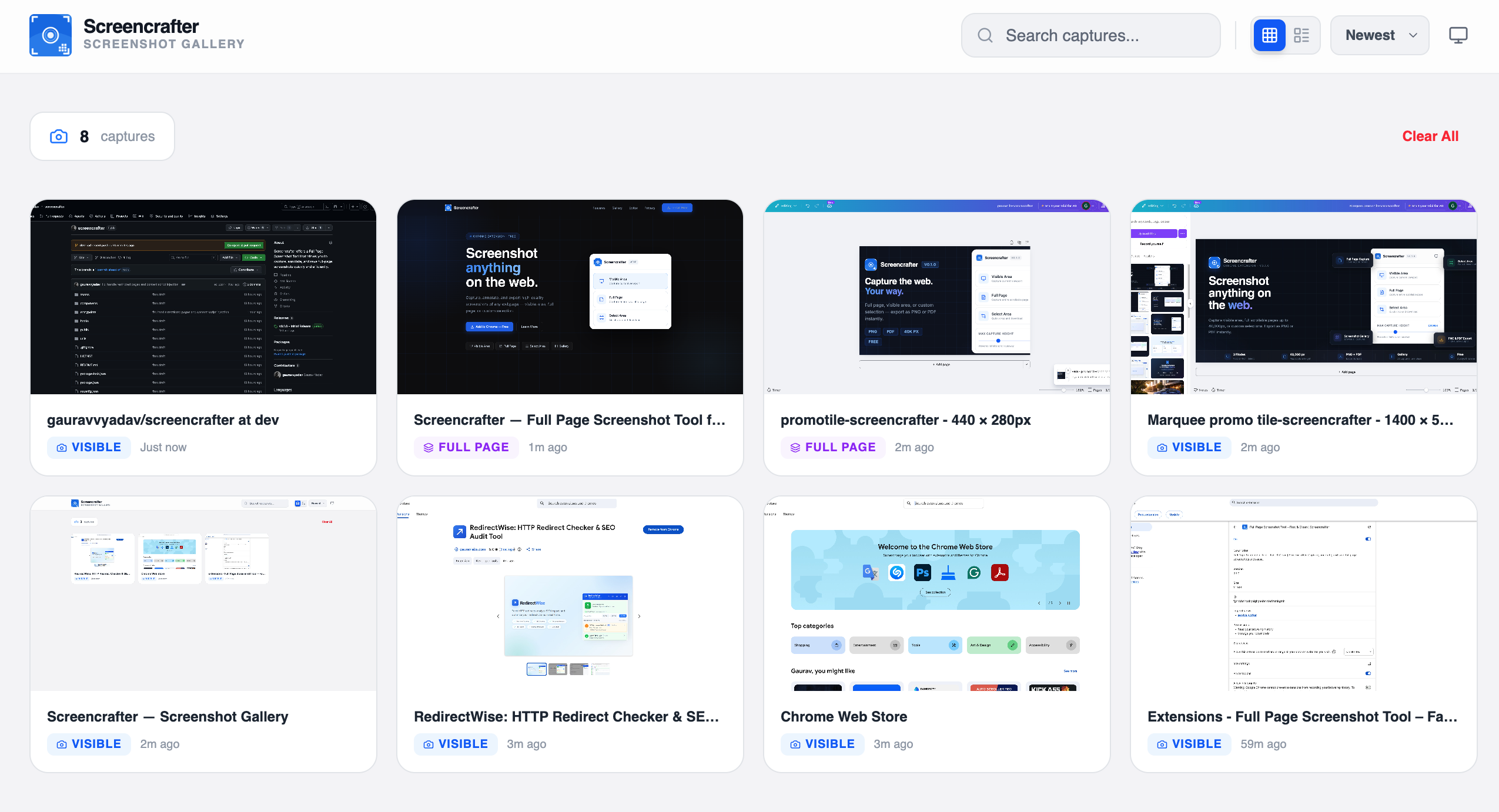
Gallery
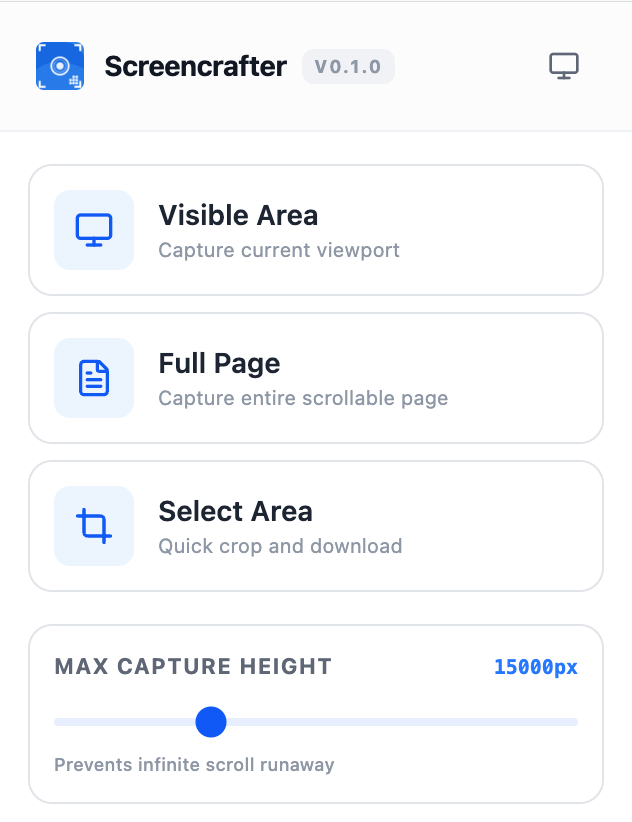
Screencrafter Popup

Choose your capture mode,
download instantly.

01

Visible Area

Instantly capture exactly what you see — no scrolling required. Perfect for quick grabs of the current viewport.

✓ Instant
02

Full Page

Capture the entire scrollable page in one shot — up to 40,000px tall. Set a max height to prevent runaway captures.

✓ Up to 40,000px
03

Select Area

Draw a selection box on any part of the page, crop precisely, and download — no editing software needed.

✓ Crop & Download

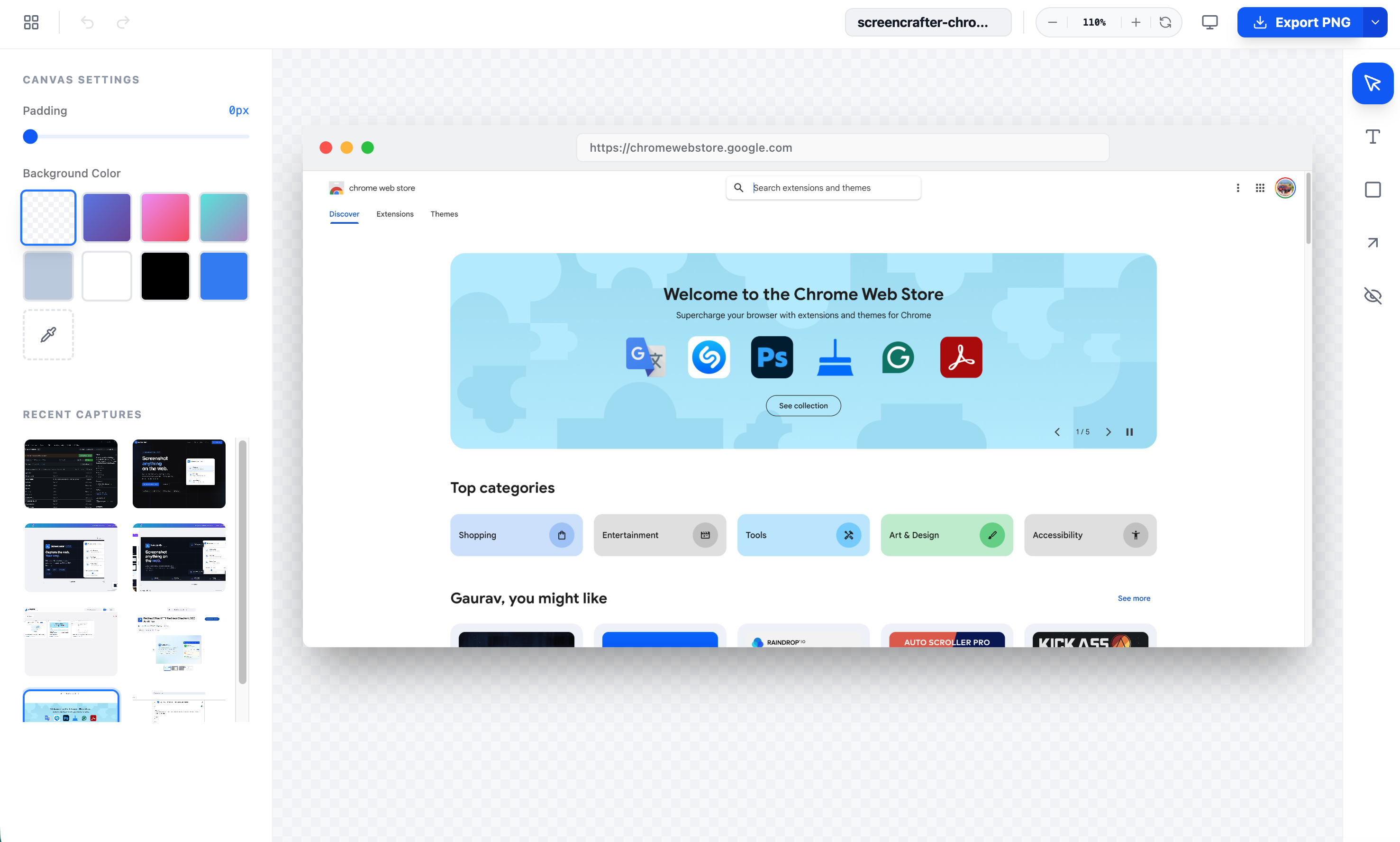
Polish & export as PNG or PDF.

Screencrafter Editor
Screencrafter

The screenshot tool
Browsers were missing.

Free, fast, and built for the web. Full control over how you capture, organize, and export web screenshots.

3
Capture Modes
40000px
Max Page Height
PNG+PDF
Export Formats
Free
Always
No sign-up required
Works on any website
PNG & PDF export
Browser Icon Add to Chrome — It's Free